


How to increase B2B website conversions: a practical UX guide
Learn how to increase B2B website conversions: find UX friction, improve product pages and forms, and measure qualified quotation enquiries.
Five UX signals to examine
Explore this published snapshot, then check the same questions on your own website. These are mixed-site aggregates, not conversion targets for manufacturers.
Where recorded scroll activity happens
Each bar shows a page-depth band’s share of recorded scroll activity. It does not show how many people reached that part of a page.
0–10% of page depth: 25.0% of recorded scroll activity.
A session without a click needs context
Plerdy reports a 57.8% average for this snapshot. A visitor can read a specification or copy a phone number without clicking. This does not measure lost orders.
13 Sept · 58.2% of sessions without a click
The device mix changes with the day
Compare click shares, not visitor shares or conversion rates. Switching devices changes the bars; both use the same 0–100% scale.
Mobile share is 18 percentage points higher at weekends in this snapshot.
No scrolling does not always mean a failed visit
The published average is 32.3% of visitors. Check whether the first screen answers the buyer’s question, or hides the information they need to continue.
13 Sept · 38.2% of visitors without scrolling
A bottom-of-page form can be easy to miss
An average of 12.0% of visitors reached the bottom in this snapshot. Check exposure to your own enquiry action before relying on a form at the end of a long page.
13 Sept · 11.0% of visitors reaching the page bottom
To understand how to increase B2B website conversions, follow a suitable buyer from their landing page to a successfully delivered quotation enquiry. Check what they need to decide, where the website leaves questions unanswered and whether the request reaches someone who can respond.
Our starting point at ENQAVIA is that attractive pages, useful information and working enquiry forms must support the same task. A polished design can still leave buyers searching for a material specification or wondering whether you supply their country. More prominent buttons will not answer those questions.
Define the enquiry you want to receive
For a manufacturer or supplier, a useful conversion might be an enquiry about a product you supply, with enough context and valid contact details to begin a quotation. Define that with your sales team before changing the website. Newsletter sign-ups, brochure downloads and clicks on “Request a quote” describe different actions.
Record the stages separately: form opened, form started, request accepted by the delivery system, request received and request assessed by sales. A success message proves little if the email never arrives. Give each accepted request a reference so repeated clicks or retries do not create several apparent enquiries.
For a session-based report, calculate qualified enquiries divided by measured sessions, multiplied by 100. Apply the same internal-traffic exclusions and qualification rules in each period. Keep unsuccessful delivery attempts visible; excluding them would hide the problem you are trying to fix.
Read UX statistics without turning them into targets
The five interactive charts use Plerdy’s UX statistics, captured for September 13–October 12, 2026. They combine many websites, rather than a defined group of industrial B2B sites. The views cover scroll activity, sessions without clicks, device click shares, visitors who do not scroll and visitors who reach the bottom. These are separate measurements, not steps in a conversion funnel.
Plerdy reports averages of 57.8% of sessions without a click, 32.3% of visitors without scrolling and 12.0% reaching the bottom. Its scroll-activity distribution does not measure visitor reach; device click shares do not measure enquiry rates.
Use those patterns to choose questions for your own website. A visitor may read a specification and contact you later without clicking during that session. An early exit may also mean the visitor immediately recognised that the product was unsuitable.
We would use the no-scroll view to check the first screen: can a buyer identify the product, supply scope and next step without searching? For a long technical page, we would check whether buyers see the enquiry action beside the relevant specification. A low bottom-reaching share is a reason to inspect that route, not to remove useful technical detail or assume everyone needs a shorter page. The device comparison helps choose test conditions; it does not establish when your own buyers will send requests.
Plerdy’s 73.7% single-page-session figure should not be labelled GA4 bounce rate. Google defines an engaged GA4 session using duration, key events or multiple page/screen views; bounce rate is the share of sessions that were not engaged.
Find the obstacle before choosing the redesign
Start with pages that bring relevant visitors to a commercial offer. Compare their behaviour by device and traffic source, then inspect individual journeys where your consent and privacy arrangements permit it. Check sales questions alongside analytics: repeated requests for basic dimensions may expose a content gap.
| What you observe | What to investigate | A change worth testing |
|---|---|---|
| Relevant visitors leave near the top | Does the page match the search or advertisement? | State the product, application and supply scope earlier |
| Buyers open several unrelated pages | Are specifications or next steps hard to find? | Connect the product, capability and enquiry pages |
| Visitors start a form but do not finish | Which fields cause hesitation or errors? | Remove unnecessary requirements and explain essential ones |
| Button clicks rise but enquiries do not | Does submission and delivery work? | Fix validation, error recovery or delivery before changing the CTA |
| Enquiries increase but sales rejects them | Is the offer attracting unsuitable requests? | Clarify materials, quantities, coverage or service boundaries |
For an existing website, our manufacturing website redesign service uses this kind of review to establish what needs changing before new layouts are agreed.
Make the first screen answer a purchasing question
The first screen should let a buyer identify the offer and decide whether to continue. Explain what you manufacture or supply, who it serves and what the visitor can do next. Put an important limitation beside the offer when it affects suitability.
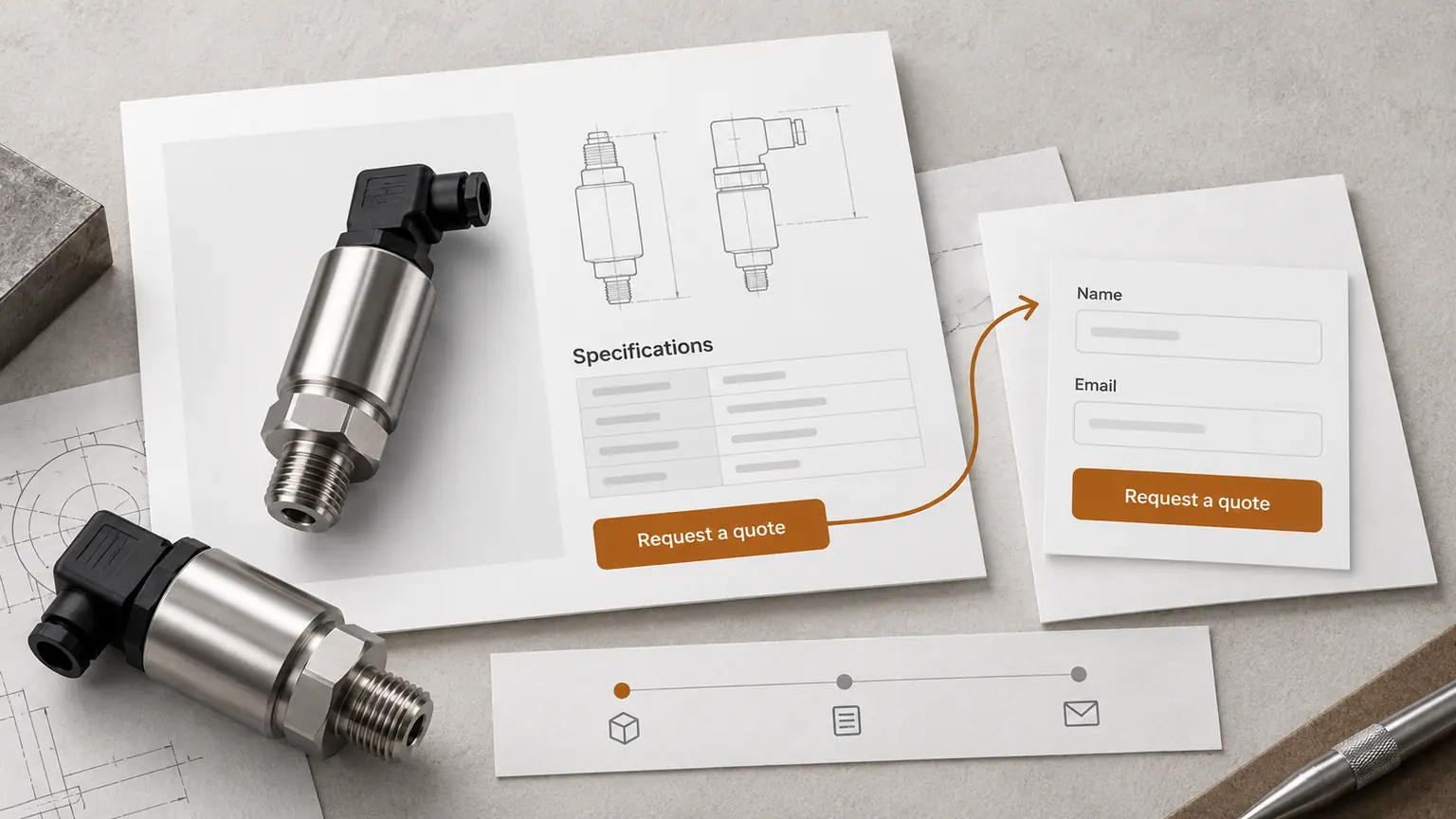
For example, “Custom protective packaging for industrial equipment” gives a purchasing team more to work with than “Solutions for tomorrow”. Relevant materials, supported applications and a route to discuss dimensions can follow. Our custom packaging landing-page example shows how a focused offer can organise that information.
A visitor arriving from an advertisement for one product should find that product and the promised information. If the campaign needs a separate route, landing page development can keep the message and enquiry context together. Sending every advertisement to a general homepage makes the buyer repeat the search.
Put specifications beside the decision they support
Give buyers the information needed to rule a product in or out: material, dimensions, operating limits, compatible equipment or an approved drawing, as appropriate. Use visible units and distinguish confirmed capabilities from options that require discussion. Never add certifications or delivery claims simply to make a page appear more persuasive.
Keep a useful HTML summary beside technical downloads. Name the document clearly, identify its current version where relevant and make the related enquiry action easy to find. Our guide to product catalogue website structure explains how consistent records support comparison and product-specific requests.
On a corporate website with a catalogue, company and capability pages should help a buyer assess the supplier, while product pages answer questions about the requested item. Connect those pages where the information is useful. A relevant link carries the decision forward; a row of unrelated links adds another choice to interpret.
Ask for enough information to begin the conversation
Long forms can discourage completion, but removing every technical question can leave sales unable to respond. Decide which information is essential for the first reply and which can follow after contact.
On ENQAVIA’s own enquiry forms, name and email are required and phone is optional. That suits the opening conversation about a website. A component supplier may also need a product reference and approximate quantity. A custom manufacturer may need a short requirement, with drawings exchanged through an agreed private workflow.
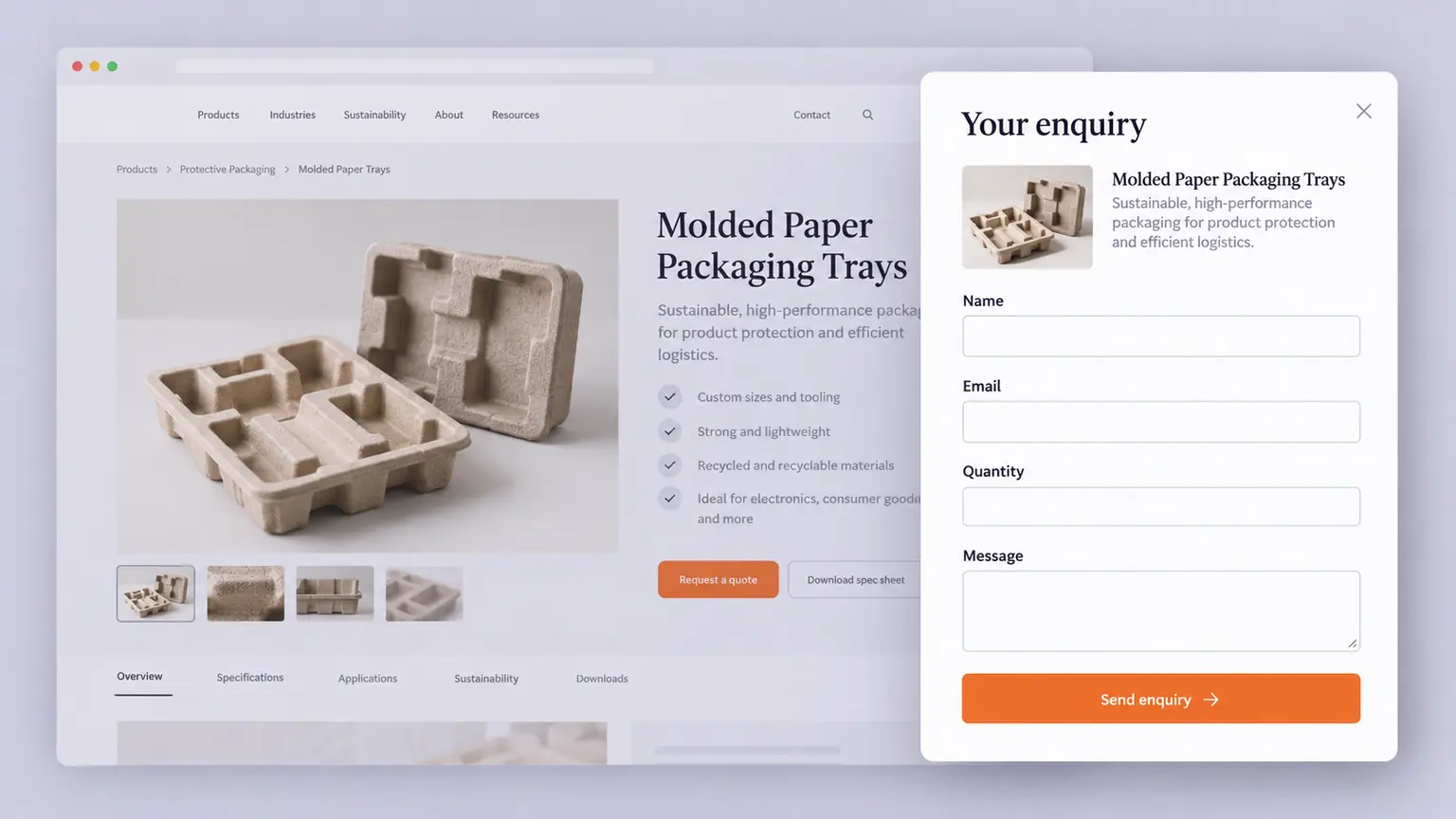
Carry over a product or service already selected by the visitor. Keep entered information after validation errors and explain what happened if delivery fails. The detailed RFQ form design guide covers fields, product context and submission checks.
Test the complete route on a phone
Open the page, inspect a specification, choose an option and send a test enquiry. Repeat with the keyboard visible, longer translated labels and larger text. Check whether a sticky button covers information, a table requires awkward scrolling or a dialog hides its own close control.
Also check the first usable screen on a slower connection. A large visual should not hold back the product description or enquiry action. Record the specific failure and reproduce it before assigning a development task. “Improve mobile UX” is too broad to verify.
Turn observations into a small, testable change
Consider a hypothetical manufacturer advertising a standard coupling. The advertisement names the coupling, but the destination opens with a general factory photograph. The dimensions are buried in a download and the contact form asks the visitor to type the product name again.
We would first bring the coupling name and application into the opening section, add a concise dimensions summary and carry its reference into the request. The testable expectation is that suitable visitors can identify the item and send a request with the correct reference more easily. This example describes a proposed improvement, not a client result or promised conversion increase.
Compare enquiry quality as well as volume
Keep a dated record of each change, the pages affected and the reason for it. Where traffic supports a properly planned experiment, compare variants. Otherwise, compare periods with similar campaign activity and weekday coverage, and treat the result as observational.
Report sessions, accepted requests, confirmed delivery failures and qualified enquiries together. Segment by landing page, source and device without dividing a small sample into unusably small groups. A new campaign, seasonality or changed qualification rules can explain a difference as readily as the design.
Allow sales time to assess requests. Quotations and orders may arrive later, through return visits, email or telephone, so website attribution will be incomplete. A few extra enquiries are a reason to investigate, not proof of a lasting uplift.
Questions about B2B website conversion
What is a good conversion rate for a manufacturer?
There is no universal target in the dataset used here. Start with your own consistently measured qualified-enquiry rate, then examine differences between comparable products, channels and periods. Report the number of enquiries alongside the percentage.
Should every page have a quotation button?
Use it where requesting a quotation is a sensible next step. A technical guide may first need a link to the relevant product or capability. Make that route clear rather than adding the same sales message to every section.
Can a shorter page or form guarantee more orders?
No. Removing unnecessary work can make an enquiry easier, but buyers still need enough information to assess the offer. Track delivery and qualification, then review commercial outcomes with sales before deciding whether the change helped.
Price your
website.
Compare website sizes and optional catalogue, content and SEO work in the website cost calculator.
Your website price Back to the blog